The make-it-cap studio trend
Oh You Can Make It Cap AI Video Generator
Put two people in the Make It Cap video
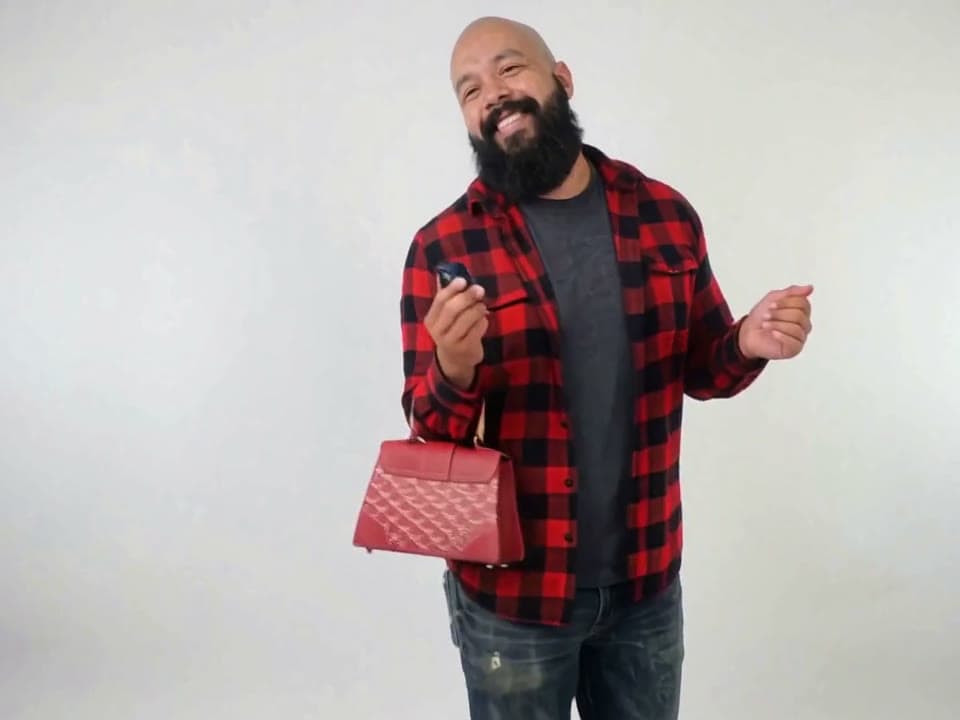
Real output · Living-room selfie + party photo
Oh You Can Make It Cap · 15 s
- One person per photo, face sharp and facing the camera
- Full body or waist-up both work; what they wear comes along
- Pick who turns around: they get the little red bag
By uploading, you confirm you're the people in the photos or have their permission to use them.
From $9.99 · one-time · no subscription
- ✓ One-time payment
- ✓ 4:3 + 9:16 HD MP4 · no watermark
- ✓ Failed videos return the credit
- ✓ Photos deleted after 30 days
15 s, beat by beat
Every take keeps the moves people know, in order and on time — only the person changes.
0:00
The opener
The first one in the white studio, hand at the mouth, glancing off to the side.
0:02
The turn
The second one turns all the way around, a little red bag on the arm.
0:03
Wave it off
Back to the first one: a big arm up, waving the whole thing off.
0:05
Can't hold it
A giggle behind the hand, then the second one laughing straight at the lens.
0:10
Laugh-off
Quick cuts back and forth, both of them losing it to the last frame.
Made on EffectReel
Two photos in, the 15 s video out — straight from the generator, no edits after.



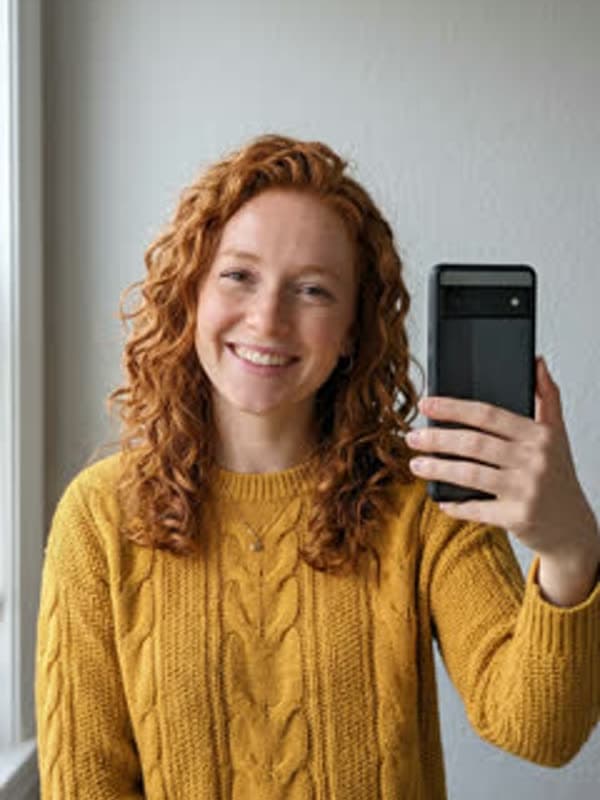
Sample input photos are AI-generated stand-ins, not customer photos. The videos are unedited output.
Who should star in it?
- 01
Two friends
The classic: the biggest guy in the group gets the red bag and the turn.
- 02
Couples
Your partner does the turn, you do the giggle. Instant comment bait.
- 03
You and your roommate
Whoever hogs the bathroom turns around.
- 04
Your coworkers
With their permission, for the team chat on a Friday.
The trend · Oct 2026 · TikTok
What is the Oh You Can Make It Cap trend?
"Oh you can make it cap" is an October 2026 TikTok trend built on a short, much-quoted sound: someone is asked if they can make it clap, it comes out as "cap", and both people can't stop laughing. The video is two people in a plain white studio, one shot each, cutting back and forth: a hand over the mouth, a big wave-off, a full turn with a little red bag, then the laughs.
On EffectReel you pick the two. Add one photo for each spot and both of them play every shot, cut for cut, in a 15-second 4:3 clip plus a ready-to-post vertical copy. The clip is silent; add the sound when you post and it lines up from the first frame.
Photo to post · 4 steps
How to make the Oh You Can Make It Cap AI video
- 1
Add two photos
Upload one clear photo for each spot above: the first one opens and laughs it off, the second one turns around with the little red bag. One person per photo, face sharp and facing the camera. No account needed.
- 2
Pay once
Pick a pack and check out. Usually ready in about 10–20 minutes, always within the hour; we email you the link.
- 3
Download
Save the 15 s · 4:3 + vertical 9:16 · silent MP4 — both files come with it.
- 4
Add the sound and post
Upload it in TikTok, tap Add sound and search "oh you can make it cap". Keep it starting at 0:00: every cut is timed to it.
Pay once. Use on any effect.
One-time credit packs, no subscription. A video uses 10 credits (Tiny Desk and Hotel Lobby: 20). Credits stay valid for 2 years, and a failed video gives its credits back.
- One-time payment · No subscription
- Credits work on every effect · credits stay valid for 2 years
- Failed generations automatically return your credit
- No watermark
Oh You Can Make It Cap AI, answered
What is the Oh You Can Make It Cap AI video?
The white-studio trend starring two people you choose: the first one opens, waves it off and giggles, the second turns all the way around with a little red bag and laughs. Upload two photos and get the 15-second clip, 4:3 plus a vertical 9:16 copy.
What does "oh you can make it cap" mean?
It's a misheard line from the trend's sound: someone is asked if they can "make it clap", it comes out as "make it cap", and the two people on screen can't keep a straight face. The meme is the reaction: the turn with the little red bag, the hand over the mouth, the laughs. People search it as "can you make it clap" too; it's the same trend.
Do I need two photos?
Yes, one per person. The first photo opens the video and laughs it off; the second one does the turn with the red bag. Two different people work best, one person per photo; friends, couples, coworkers.
Why do I get two files?
The trend is filmed in 4:3, so that's the main file. You also get a vertical 9:16 copy with the full picture on a blurred background, ready for TikTok, Reels and Shorts.
Is there an Oh You Can Make It Cap AI template or CapCut template?
You don't need a template or CapCut. This page is the generator: the white studio, the turn, the cuts and the laughs are already set. Add one photo per person and you get the finished 15-second clip in your browser, no app, template, filter or editing. It's silent: add the sound when you post.
What photo works best?
One person, face clearly visible and facing the camera, in good light. Waist-up or full-body photos carry the outfit best; a selfie works too. Avoid group photos, sunglasses and heavy filters.
How long does it take?
Usually ready in about 10–20 minutes, always within the hour. You can close the page — we email you the link when it's ready.
How much does it cost? Is it free?
It isn't free. A video uses 10 credits (Tiny Desk and Hotel Lobby use 20): $9.99 buys one video, or $19.99 for 30 credits and $49.99 for 100. One-time payment, no subscription. Credits work on every effect, stay valid for 2 years from your latest purchase, and a failed video returns its credits automatically.
Does the video come with the song?
No. Every video is a silent HD MP4 without a watermark, so the app's sound never fights it and nothing gets muted. Each effect page shows which trend sound to add and where the beat should land.
What if I don't like my video?
Tap "Needs work" on the result page and tell us what's off — a real person reads every one and replies by email. If a video fails to generate at all, its credit comes back on its own.
Can I use someone else's photo?
Only with their permission. Making a video of a friend for a laugh is the point — but don't use a stranger's or a celebrity's photo, and don't present the video as real footage.
More trends, same photo
All effects →21 s · 9:16
Fancy Cafe AI
You're perched on the tiny table like it's a stool, until someone walks in and sits on the bench. Then you quietly climb down.
8 s · 9:16
Hop Hop Hop Dance AI
One of you up close presses the other one down from across the room, hop, hop, hop, then you swap places and it's payback.
15 s · 9:16
Coffee Fail AI
Two of you make one cup of coffee: the water goes in, the coffee lands on the counter, the milk floods it, and someone sips plain hot water.
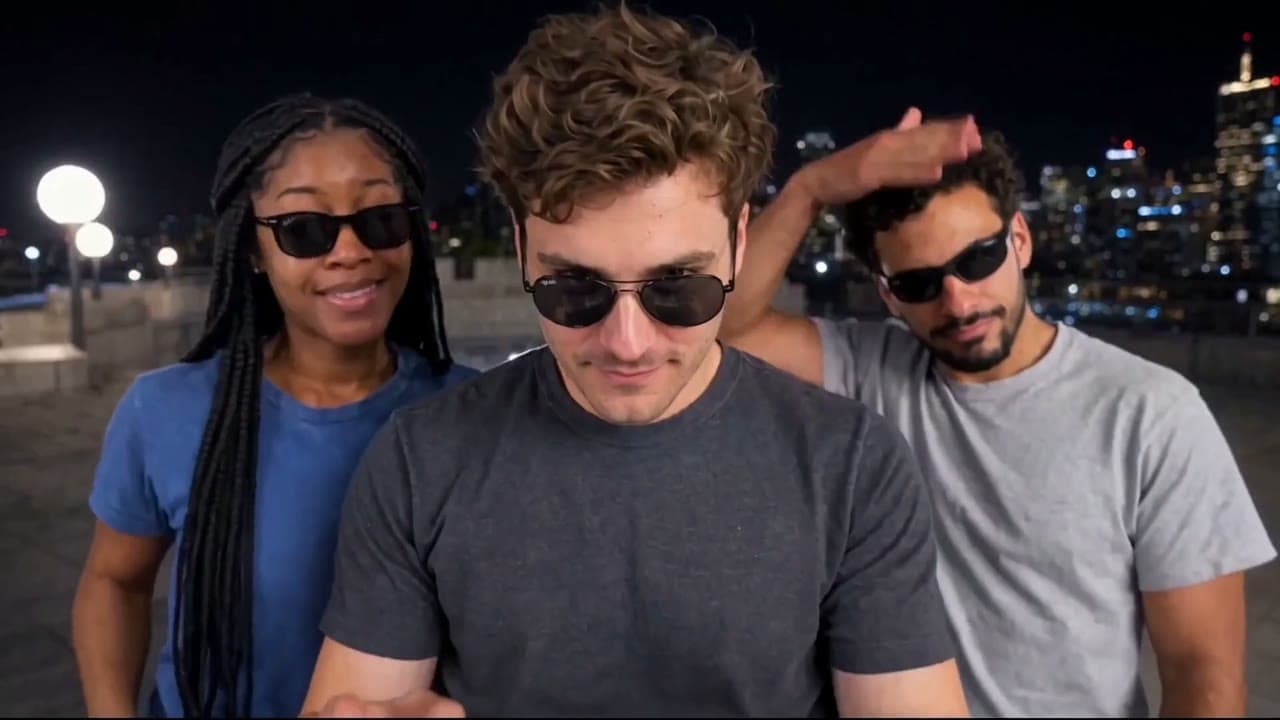
19 s · 16:9
Gangnam Style AI
Three of you in sunglasses on a night rooftop, pointing, leaning into the lens and waving it out.
19 s · 9:16
Tiny Desk AI
Front a desk concert on your own: you crack up in the close-up, a session band handles everything else.
8 s · 9:16
Basketball Middle Finger AI
Drive past the defender, elevate with dual middle fingers high, drop the bucket, and land with cold swagger.