Fergie Baby AI · the park-gate walk
Do the Fergie Baby walk
Real output · Front-yard photo → dad on the walk
Fergie Baby · 20.7 s
- One person, face sharp and looking at the camera
- Show your hair — the walk keeps it
- Waist-up photo is perfect
By uploading, you confirm you're the person in the photo or have their permission to use it.
We're opening in small batches. Save your photo now — we email you when it opens.
- ✓ One-time payment
- ✓ 9:16 HD MP4 · no watermark
- ✓ Failed videos return the credit
- ✓ Photos deleted after 30 days
20.7 s, beat by beat
Every take keeps the moves people know, in order and on time — only the person changes.
0:00
The gate
Hand on the chain-link gate, about to step out.
0:02
Step out
The gate swings and you walk out like you own the park.
0:04
Hands up
Both hands by your head, bouncing as the camera backs away.
0:09
The bars
Rapping straight down the lens, every word on beat.
0:13
Arms up
Both arms over your head under the trees.
0:16
Point & stroll
Arm out, pointing past the camera, still walking.
Made on EffectReel
One photo in, the 20.7 s video out — straight from the generator, no edits after.
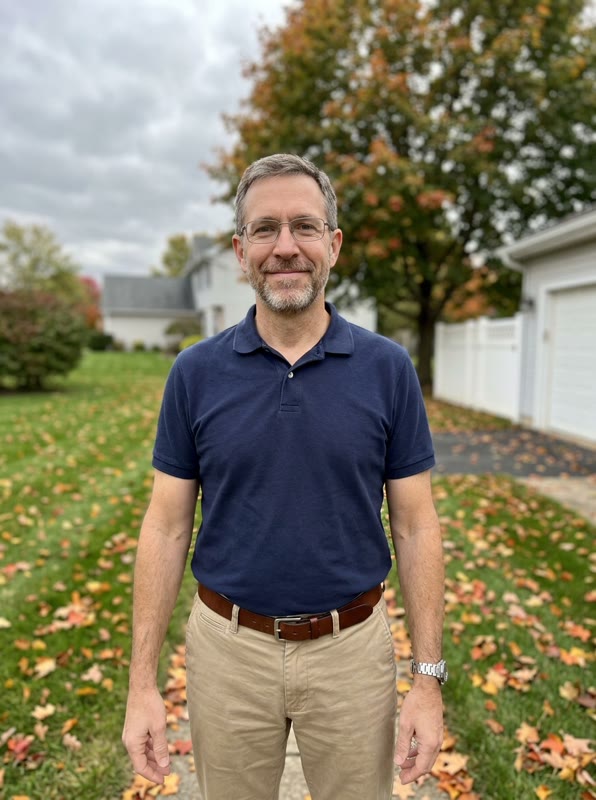
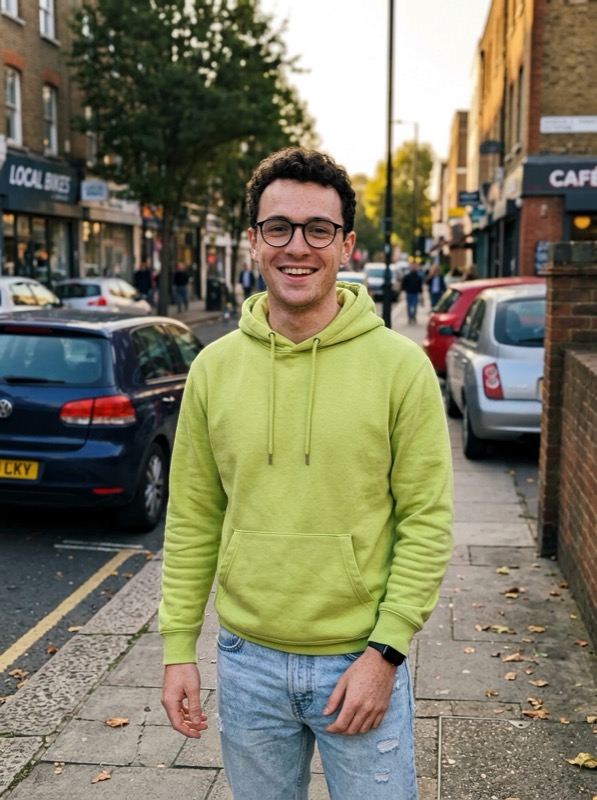
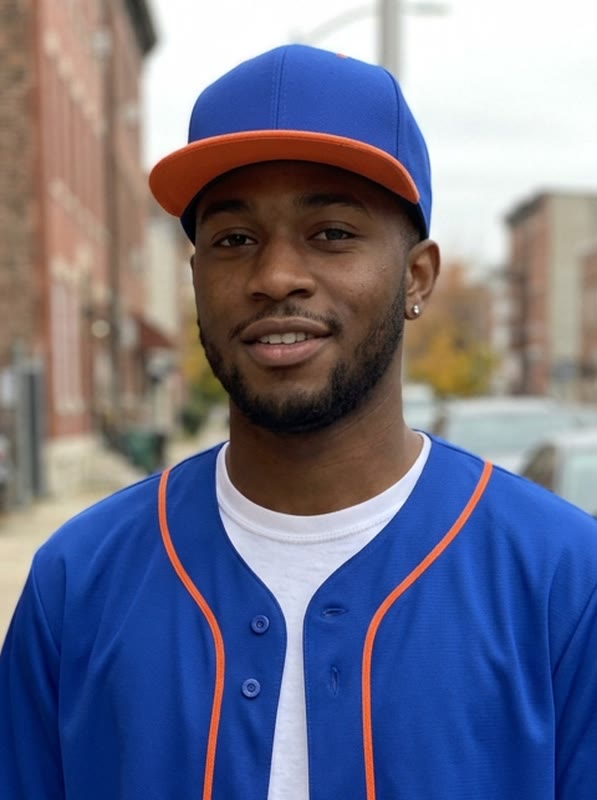
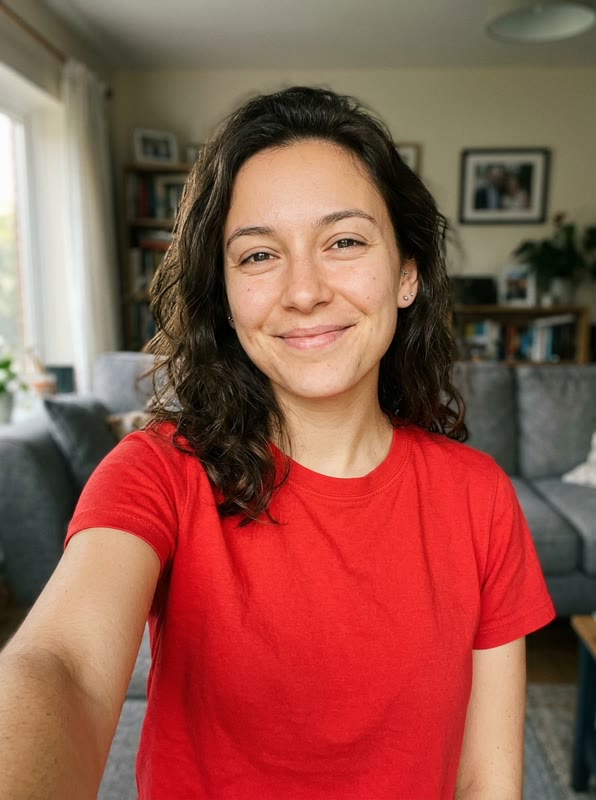
Sample input photos are AI-generated stand-ins, not customer photos. The videos are unedited output.
Who should star in it?
- 01
Your dad
Glasses, polo, rapping like his life depends on it.
- 02
Your little cousin
Grown-ups only — with a parent's OK for anyone under 18.
- 03
Your gym friend
Jersey and all, the energy is unmatched.
- 04
Yourself
It lip-syncs once you add the sound.
The trend · Oct 2026 · TikTok
What is the Fergie Baby AI trend?
A TikTok format from October 2026: someone pushes open a chain-link park gate and walks toward a camera that keeps backing away, rapping every bar of the 20-second trend sound under yellow autumn trees.
On EffectReel anyone can do that walk — dads in polos, friends in jerseys, you — with the mouth moving on every word, so the clip lip-syncs as soon as you add the sound.
How to make it
Add the Fergie Baby sound
- 1
Add one photo
Upload a clear photo of one person above: one person, face sharp and looking at the camera. No account needed.
- 2
Pay once
Pick a pack and check out. Usually ready in about 10–20 minutes, always within the hour; we email you the link.
- 3
Download
Save the 20.7 s · vertical 9:16 · silent MP4.
- 4
Add the sound and post
Tap Add sound and search "Fergie Baby" — pick the 20-second original sound most posts use. It's exactly as long as your clip: start both on the first frame. Using the full song instead? Drag its start to 0:04.
Pay once. Use on any effect.
One-time packs, no subscription. Credits never expire and work on every effect — a failed video gives its credit back.
- One-time payment · No subscription
- Credits work on every effect and never expire
- Failed generations automatically return your credit
- No watermark
Fergie Baby AI, answered
What is the Fergie Baby AI video?
The October 2026 trend where someone walks out of a park gate and raps down a tree-lined path toward the camera. Upload one photo and that person does the whole 20.7-second walk.
Does the mouth move with the song?
Yes — the mouth moves on every word, so it lip-syncs once you add the sound. The file itself is silent.
Why 20.7 seconds?
It's the exact length of the trend sound, so the clip and the sound start and end together.
What photo works best?
One person, face clearly visible and facing the camera, in good light. Waist-up or full-body photos carry the outfit best; a selfie works too. Avoid group photos, sunglasses and heavy filters.
How long does it take?
Usually ready in about 10–20 minutes, always within the hour. You can close the page — we email you the link when it's ready.
How much does it cost? Is it free?
It isn't free: $9.99 for one video, $19.99 for three or $59.99 for ten. One-time payment, no subscription. Credits never expire, work on every effect, and a failed video returns its credit automatically.
Does the video come with the song?
No. Every video is a silent HD MP4 without a watermark, so the app's sound never fights it and nothing gets muted. Each effect page shows which trend sound to add and where the beat should land.
What if I don't like my video?
Tap "Needs work" on the result page and tell us what's off — a real person reads every one and replies by email. If a video fails to generate at all, its credit comes back on its own.
Can I use someone else's photo?
Only with their permission. Making a video of a friend for a laugh is the point — but don't use a stranger's or a celebrity's photo, and don't present the video as real footage.
More trends, same photo
All effects →9 s · 9:16
Bby Wow Guy AI
Strut up through a quinceañera, bite the pan dulce, stare down the lens, dance away.
16 s · 9:16
Hotel Lobby AI
Two of you at the hanging mic: one raps every bar, the other hypes, spins and leans in.
15 s · 16:9
Crazy Frog AI
Ride an invisible motorbike down a future highway with a hover-bike cop on your tail.